Clean The Backrooms Links Hub
Trusted destinations for the game, the studio group, and every major section of this unofficial wiki.
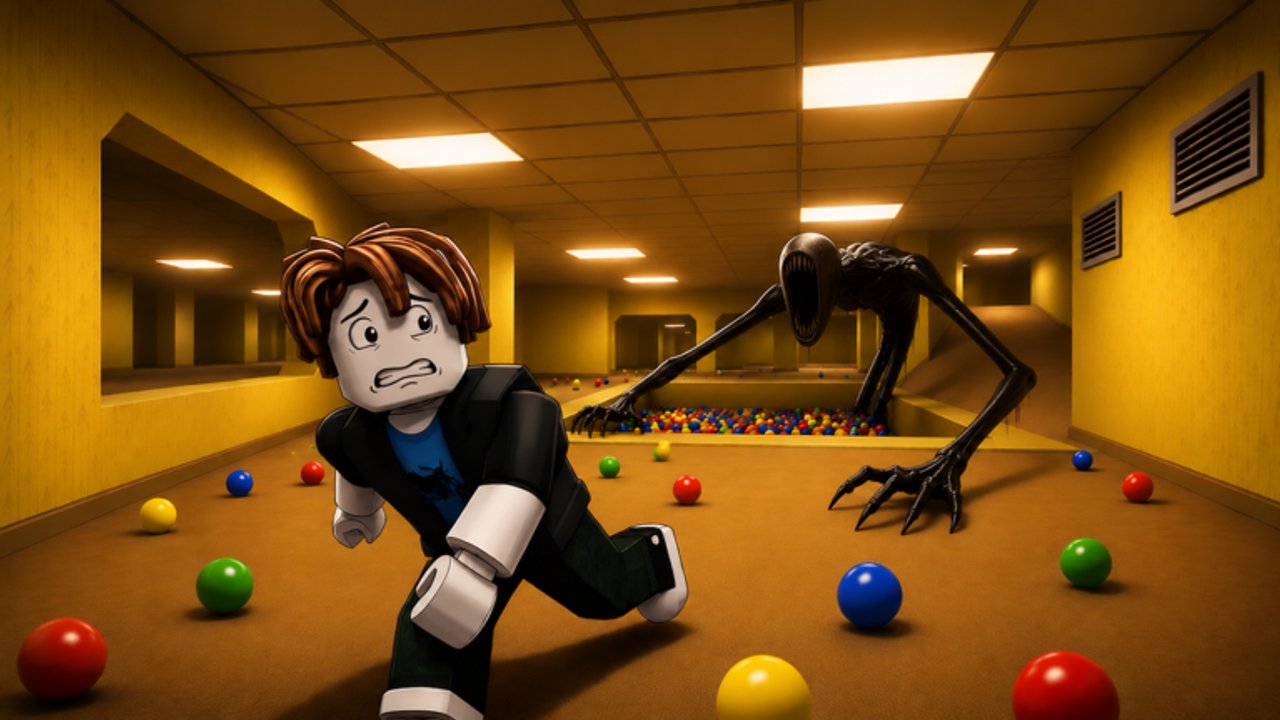
This Links Hub collects the destinations Clean The Backrooms players ask for most: the official Roblox experience, the Playroom Studio community group, and the main hubs on this fan wiki. Bookmark it when you need a clean list without scrolling social spam.
Disclaimer: cleanthebackrooms.wiki is an unofficial fan resource. We are not affiliated with, endorsed by, or sponsored by Playroom Studio or Roblox Corporation. Game names, thumbnails, and related marks belong to their owners. Always confirm purchases, codes, and account-sensitive actions on official Roblox pages.
Official Roblox destinations
- Clean The Backrooms! [Anomaly] on Roblox — free experience by Playroom Studio (place
130027983564740, universe10768598226). Check the Updated timestamp here after every suspected patch. - Playroom Studio community group — studio shouts, membership, and social posts tied to the game.
Join from a secure browser or the Roblox app. Never enter passwords or Robux gift links from random chat ads that pretend to be “official staff.”
Core wiki hubs
Use these internal hubs when you want guides instead of the store page:
- Codes — promo code status. As of November 2026 there are no confirmed public codes; we keep the page honest instead of padding fake strings.
- Guides — walkthroughs and systems help, including Getting Started, Upgrades, Keys & rooms, and Survive lights out.
- Tier list — spend priorities for tools and upgrades when cash is tight.
- Scripts — safety-focused scripting notes. No dedicated public scripts were confirmed for this title at wiki build time; treat third-party executors as account risks.
- Updates — how to track Playroom Studio publishes, with Patch notes for re-check checklists after the Updated date moves.
- Players — solo versus group cleaning, etiquette, and lights-out callouts.
- Guides Hub overview and this Links Hub — maps of the rest of the site.
Every content URL on this wiki uses a trailing slash (for example /guides/getting-started/). English pages sit at the site root; other languages use their locale prefix automatically when you switch languages in the header.
How to use this page after an update
- Open the official Roblox game link above and note the new Updated time.
- Skim Playroom Studio group posts for event or maintenance shouts.
- Run the player audit on Patch notes.
- Continue with Upgrades or Keys & rooms only after prices look right.
- Share the corrected callouts with friends using habits from the Players Hub.
Safety and scam checklist
- Official play link ends on
roblox.com/games/…— beware lookalike domains. - Staff will not ask for your password, backup codes, or Robux to “verify an update.”
- “Free admin” or “lights-out immune script” pitches are classic bait; read Scripts before installing anything.
- Code giveaways that demand you join ten unrelated groups first are usually worthless—confirm on Codes.
- This wiki never requires a download beyond your browser; we publish static guides only.
What you will find elsewhere on the wiki
The homepage highlights cleaning loops, anomaly survival, and progression. Deep articles explain how balls, pits, cash, tools, keys, and hunters fit together. Updates stays chronological without inventing studio patch essays. Tier list helps you avoid wasting early cash. Together with this Links Hub, those sections should answer the searches players actually type: codes, upgrades, keys, lights out, and “is this wiki official?”
If a community Discord, Trello, or social account becomes clearly official later, it can be added here after verification. Until then, prefer the Roblox experience page and Playroom Studio group linked above, and treat every other invite as unverified.
Thanks for using an unofficial fan wiki responsibly—play on Roblox, support creators through legitimate means, and keep your account secure while you clean the backrooms.
Frequently Asked Questions
Quick answers to the most common questions.
Is this wiki official?
No. cleanthebackrooms.wiki is an unofficial fan-made resource and is not affiliated with Playroom Studio or Roblox.
Where do I play Clean The Backrooms?
Use the official Roblox experience: https://www.roblox.com/games/130027983564740/Clean-The-Backrooms (also linked at the top of this page).
Where is the Playroom Studio group?
On Roblox communities at community ID 197986400 — linked above as the Playroom Studio community group.
Which wiki page should I open first?
Do you host scripts or account tools here?
We only publish informational pages. See Scripts for safety context. We do not distribute executors or ask for login details.