Clean The Backrooms Player Tools Hub
Checklists and planners that keep your cash, keys, and lights-out prep organized.
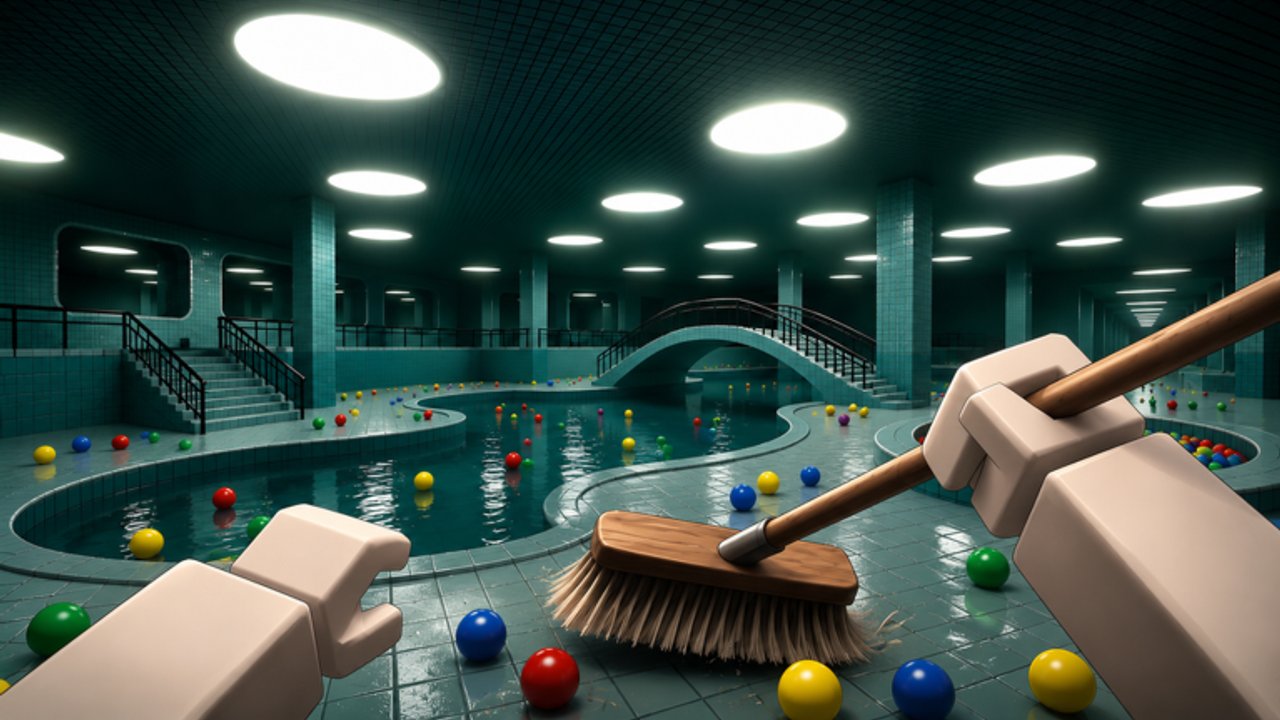
The Tools Hub collects practical player aids for Clean The Backrooms! [Anomaly] on Roblox. These are planning helpers—not executors—so you can enter a server with a clear spend order, a room checklist, and a lights-out plan. Pair them with the Guides Hub, the Tier list, and Updates whenever Playroom Studio ships a change.
Pre-session checklist
Use this list every time you join place 130027983564740:
- Confirm you are on the official Clean The Backrooms experience and note the Updated timestamp.
- Skim Codes in case a real promo string appears—do not paste random chat codes.
- Decide your first spend using the Tier list and Upgrades guide: early Ball Magnet or Vacuum Collect usually beats vanity cosmetics.
- Set a key goal with Keys and rooms (for example: bank for the Waiting Area key only after one efficiency upgrade).
- Agree lights-out callouts with friends using habits from the Players Hub and Survive lights out.
- Refresh controls on Controls if you switched from PC to mobile or console.
Print or keep this page open on a second monitor. The goal is fewer mid-run arguments about who buys the next key.
Cash spend planner (early game)
Treat cash as a scarce resource until your first efficiency upgrades land:
| Priority | Purchase type | Why it ranks here | Deep dive |
|---|---|---|---|
| 1 | Collection upgrades (Ball Magnet, Vacuum Collect, Quick Hands) | More balls per minute compounds forever | Upgrades guide |
| 2 | Carry upgrades (Big Pockets) | Fewer trips to pits when density spikes | How to clean fast |
| 3 | Early area key (Waiting Area ~10 cash when available) | Opens new pits and density | Keys and rooms |
| 4 | Tools (vacuum, broom, leaf blower) | Situational clears and pushing piles | Tier list |
| 5 | Longer Days / survival utilities | Extra safe time before lights-out pressure | Survive lights out |
If a shop price looks wrong after a patch, stop buying and run the audit on Patch notes.
Room clear tracker
Copy this markdown into a note and tick items as your crew finishes them:
- Starter playroom pits filled to the on-screen target
- First efficiency upgrade purchased
- Waiting Area key bought and door confirmed
- New room pits identified and assigned to players
- Tool roles assigned (pusher vs vacuum carrier vs pit runner)
- Lights-out safe spot agreed
- Next key banked without starving upgrades
- Re-check shop after any Roblox Updated change
Solo players can still use the tracker—just collapse multiplayer lines into a personal order.
Lights-out readiness card
Before the fluorescents die:
- Know one safe pocket near your current room (see Survive lights out).
- Decide whether you freeze cleaning or finish a nearly full pit—half-finished piles are not worth a death if hunters are loud.
- Keep audio on; footsteps and hum changes matter more than UI text.
- In groups, one player watches while others dump—rotate the watcher.
What these tools are not
This hub does not distribute exploit executors. For scripting reality checks, read Scripts. We also do not invent promo codes—Codes stays empty until Playroom Studio publishes real strings.
How this hub connects to the rest of the wiki
- New cleaners: Getting Started then return here for the checklist.
- Spend debates: Tier list plus the planner table above.
- After patches: Updates → Patch notes → re-run the checklist.
- Official destinations: Links Hub.
Keep the Tools Hub bookmarked beside the Roblox window. A thirty-second plan before queueing beats ten minutes of arguing while balls despawn and the lights flicker.
Frequently Asked Questions
Quick answers to the most common questions.
Are these downloadable programs?
No. The Tools Hub is checklists and planners published as wiki pages. Nothing here requires an installer beyond your browser and Roblox.
Should I buy a key before any upgrade?
Usually buy one early efficiency upgrade first, then bank for the Waiting Area key. Full reasoning lives on the Tier list and Keys and rooms pages.
Do the checklists change after updates?
Yes. When the Roblox Updated date moves, re-check shop prices and anomaly timing using Patch notes, then adjust the tracker.
Where do codes and scripts fit?
Is this Tools Hub official?
No. cleanthebackrooms.wiki is an unofficial fan resource for Clean The Backrooms on Roblox.